Giving Old PCs a Second Chance: A Free Alternative to Windows 11
An overview of Google's ChromeOS Flex operating system designed to speed up outdated laptops and desktop computers.
 💡Tech
Photo: UNIAN
Key points
- ChromeOS Flex is a free Google OS for older computers
- The system features low hardware requirements and easy setup
- It is primarily designed for web browsing and cloud-based tasks
Breathe New Life Into Old Hardware
Many computer owners eventually face a situation where their aging hardware struggles to keep up with resource-heavy operating systems and modern updates. Buying a brand-new device is not always a viable option, especially when an old PC is still capable of handling basic tasks. To solve this problem, Google offers a lightweight and completely free platform known as ChromeOS Flex.
This operating system is engineered specifically to revive legacy laptops and desktop computers that can no longer run newer versions of Windows smoothly. It turns a sluggish machine into a fast, reliable tool focused on web browsing, online learning, and daily office tasks without requiring expensive hardware upgrades.
Setup Process and Requirements
The main advantage of the platform is its extremely modest hardware requirements. The installation requires a USB flash drive with a capacity of at least 16 GB and the Google Chrome browser. Users should note that the installation process completely wipes the internal drive, meaning all important files must be backed up beforehand.
The transition involves four straightforward steps: creating a bootable USB drive using a special browser extension, booting the computer via the BIOS menu, testing the operating system directly from the flash drive, and finally installing it. However, users should keep in mind that the system relies heavily on cloud services and web apps, meaning traditional heavy Windows desktop programs cannot be installed directly.
Source UNIAN — unian.ua/techno/software/chim-zaminiti-windows-11-google-vipustila-… ↗
Read next
 ⚽Sport
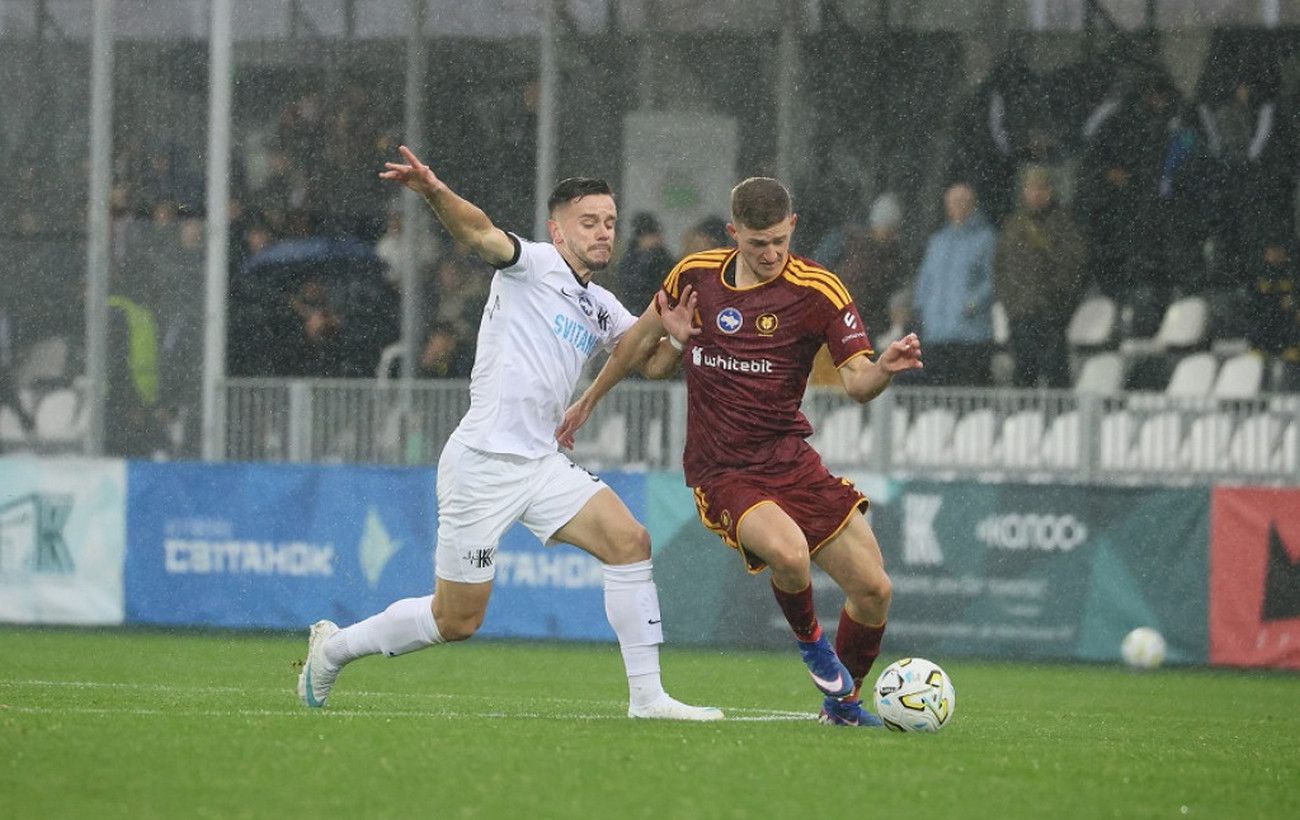
Kolos Secures Comeback Victory Over Kharkiv in a Thrilling UPL Match
Kolos Kovalivka defeated Kharkiv 2:1 with a late winner, breaking their opponents' impressive unbeaten run in the Ukrainian Premier League.
 🎭Culture & Sport
From Krampus to Sinterklaas: How St. Nicholas Day is Celebrated Around the World
St. Nicholas Day features diverse traditions across Europe, ranging from Krampus parades to leaving treats for the saint's horse.
 🛡️Security
Nutrition in the Armed Forces: Digitalization of Procurement and New Ration Standards
The Ministry of Defense of Ukraine has updated the military food supply system by implementing the DOT-Chain Food digital platform and new types of field rations.
 🛡️Security
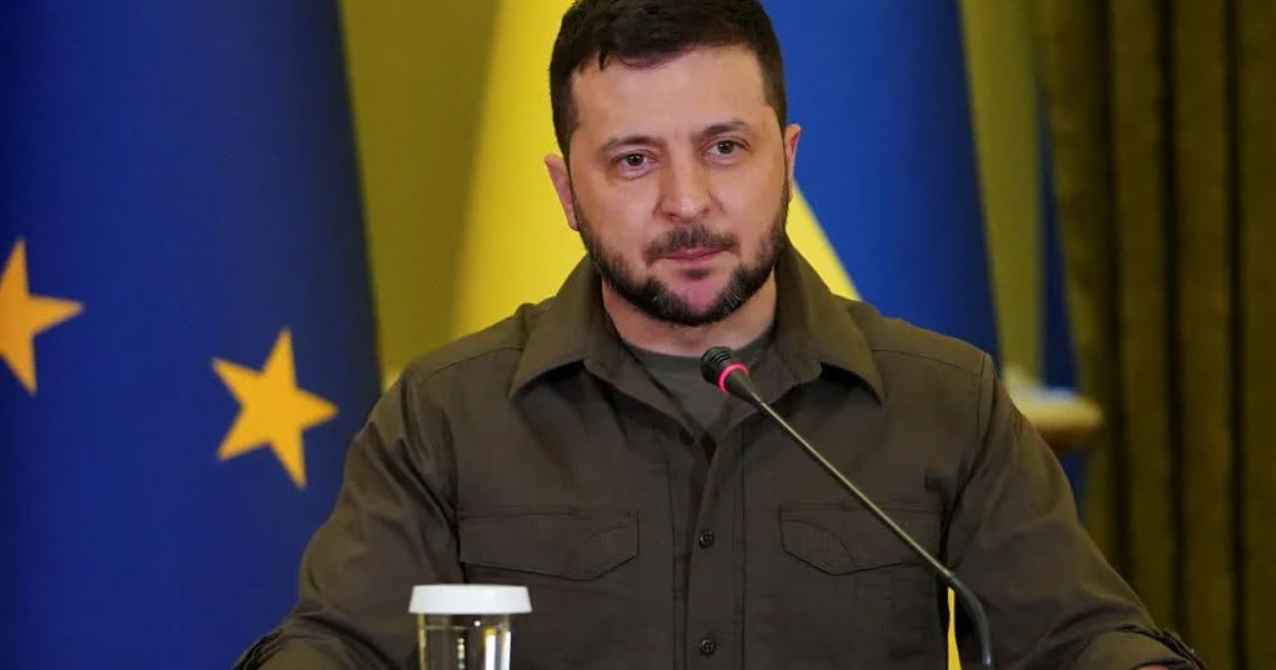
Volodymyr Zelenskyy Emphasizes the Need for Long-Term Security Guarantees for Ukraine
The Ukrainian president stated that the country requires robust defense guarantees lasting for decades rather than the US presidential term.
 🏙️City
Preparing Glukhiv orchards for winter: why and how to whitewash trees
Experts explain the importance of whitewashing fruit trees to protect them from winter sunscald and temperature fluctuations.
 🚨Events
Finland reports drone strike on Russian vessel in Gulf of Finland
The Finnish Defence Forces confirmed a drone attack on a Russian merchant ship in international waters.